All guides
Help
Subscription, invoices and cancelling
Download invoices, change the payment method or cancel.
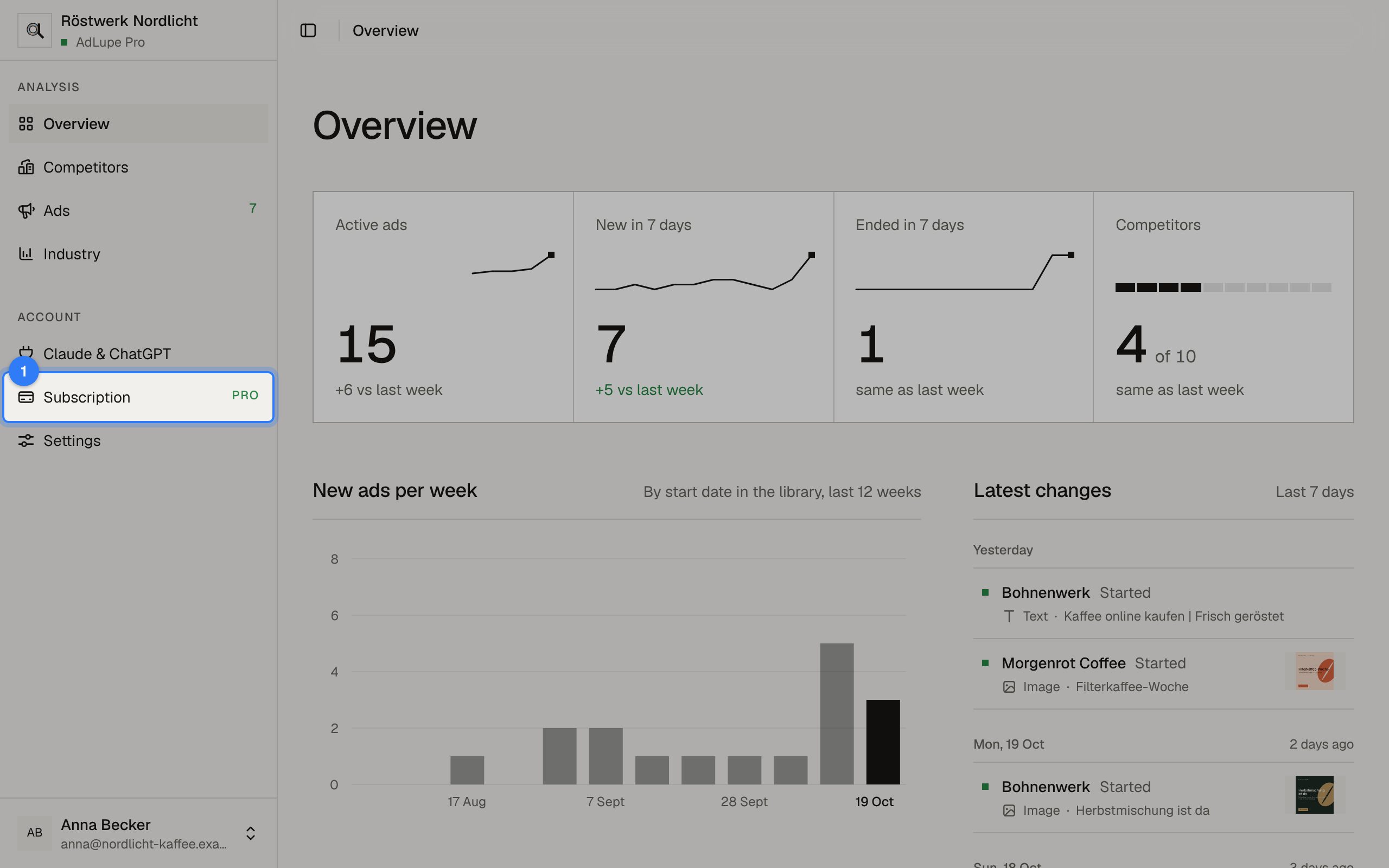
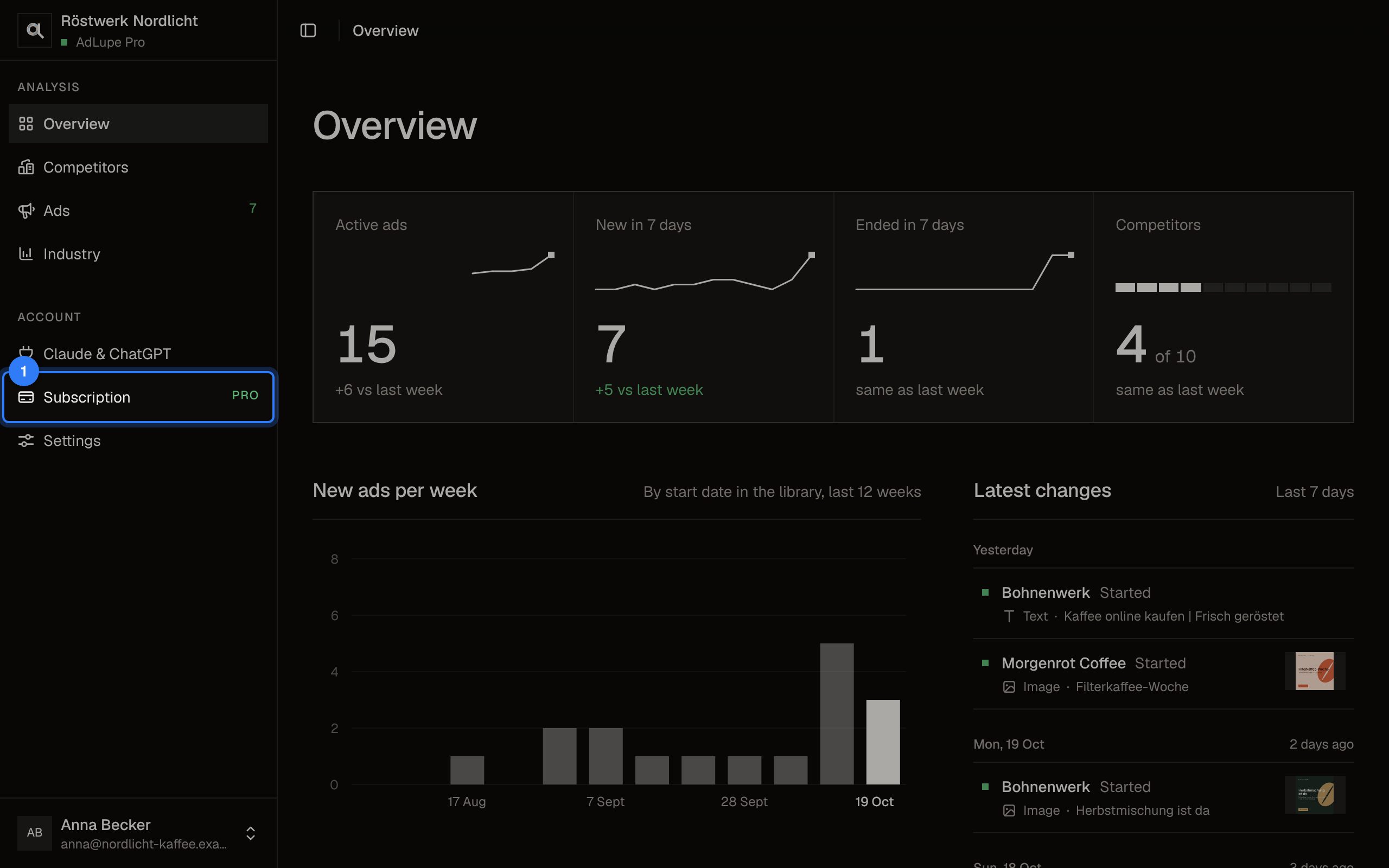
Step 1 of 2: Open Subscription
Click Subscription on the left. It shows the status and the next payment.
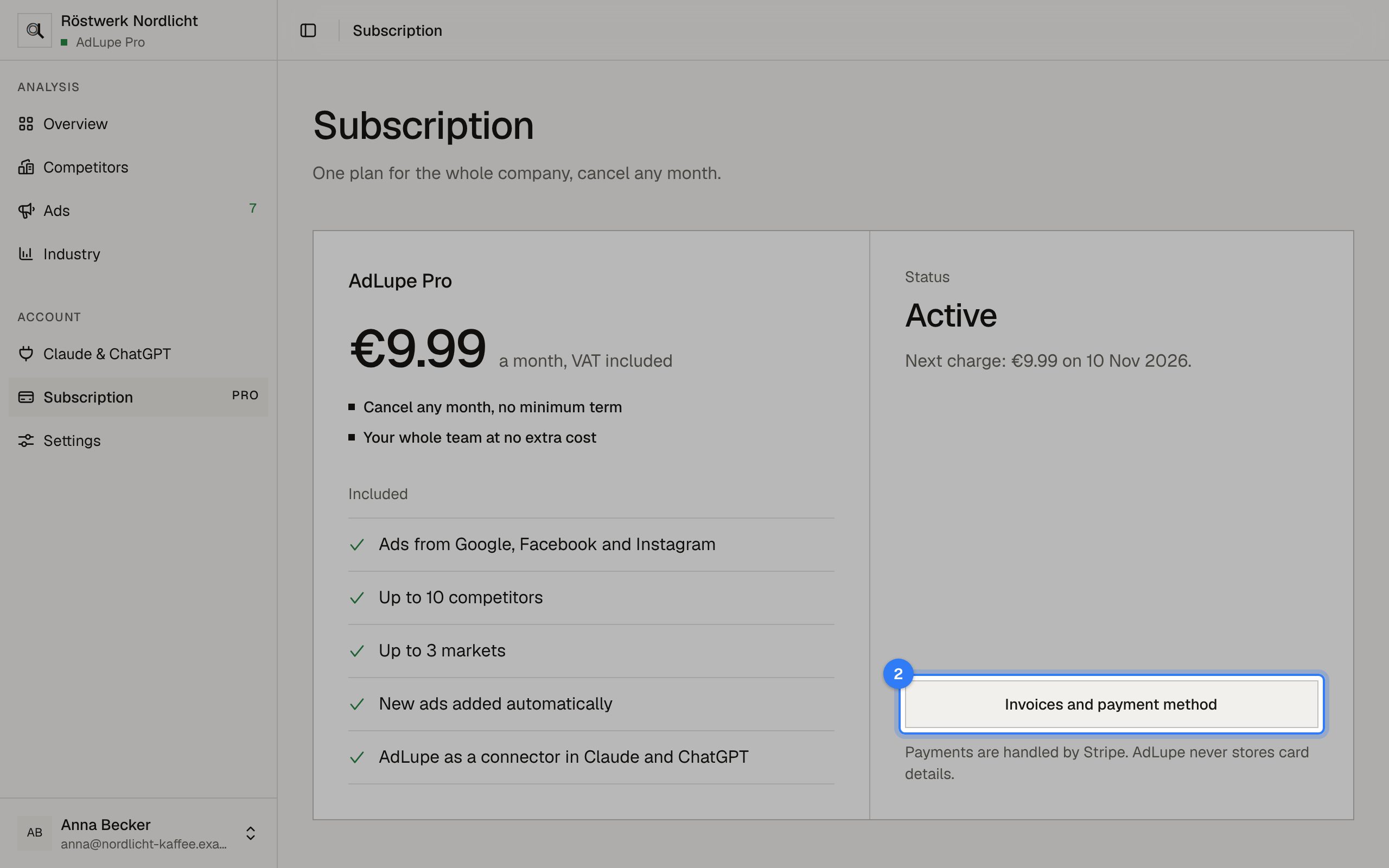
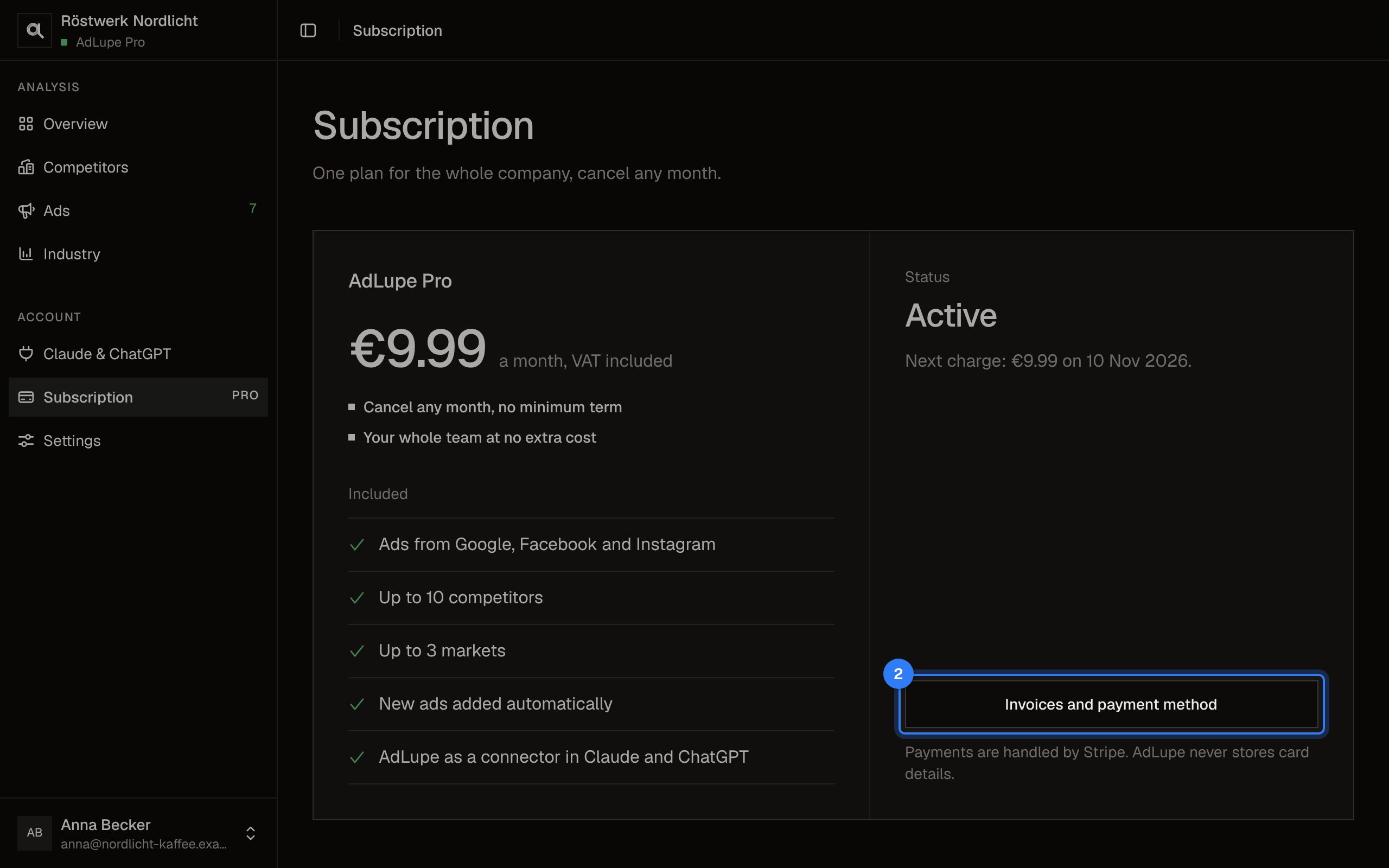
Step 2 of 2: Invoices and payment method
Click Invoices and payment method. The page of our payment provider Stripe opens: download invoices, change the payment method or cancel the subscription.
The pictures show a sample company with made-up competitors.
Light, dark and language