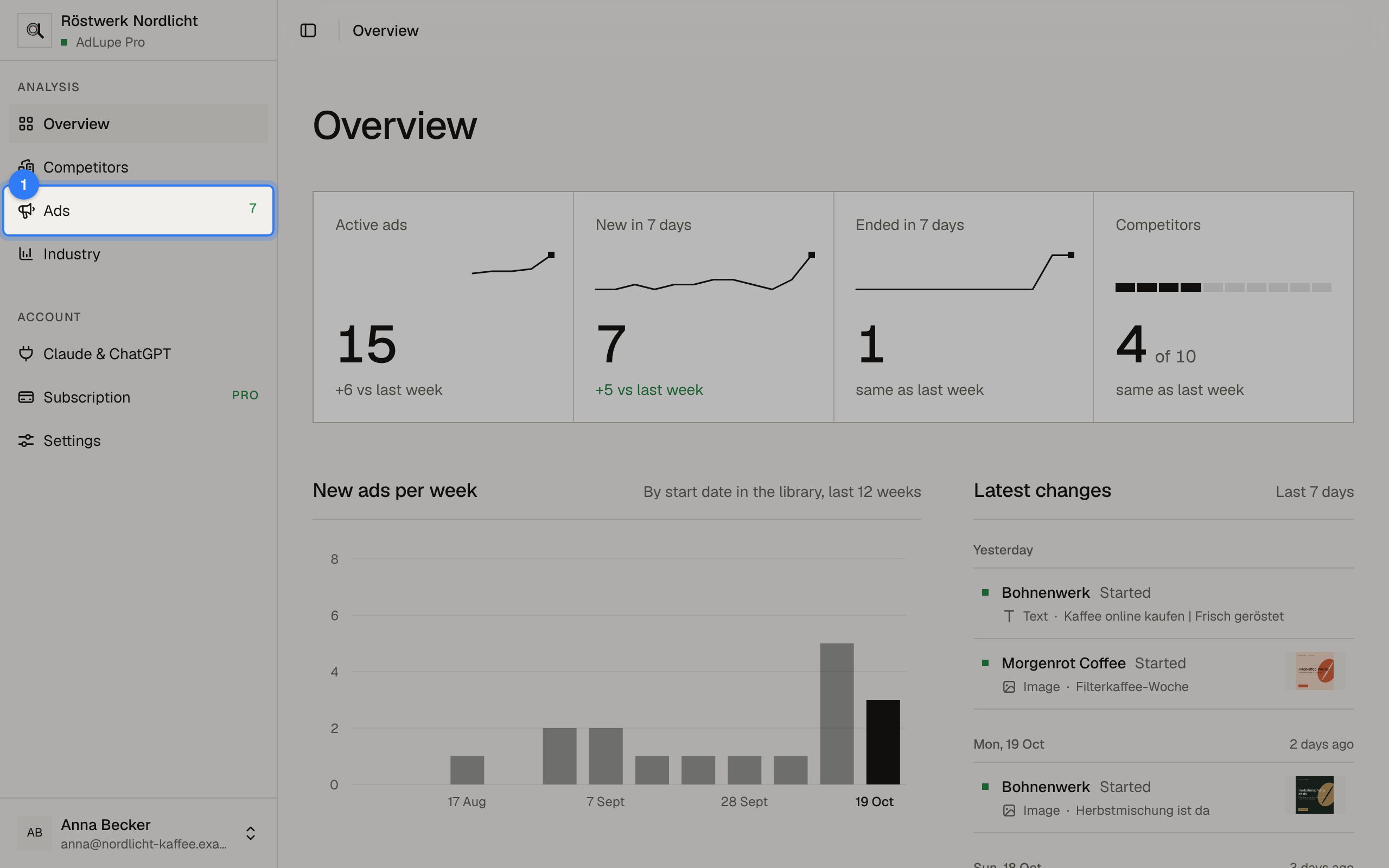
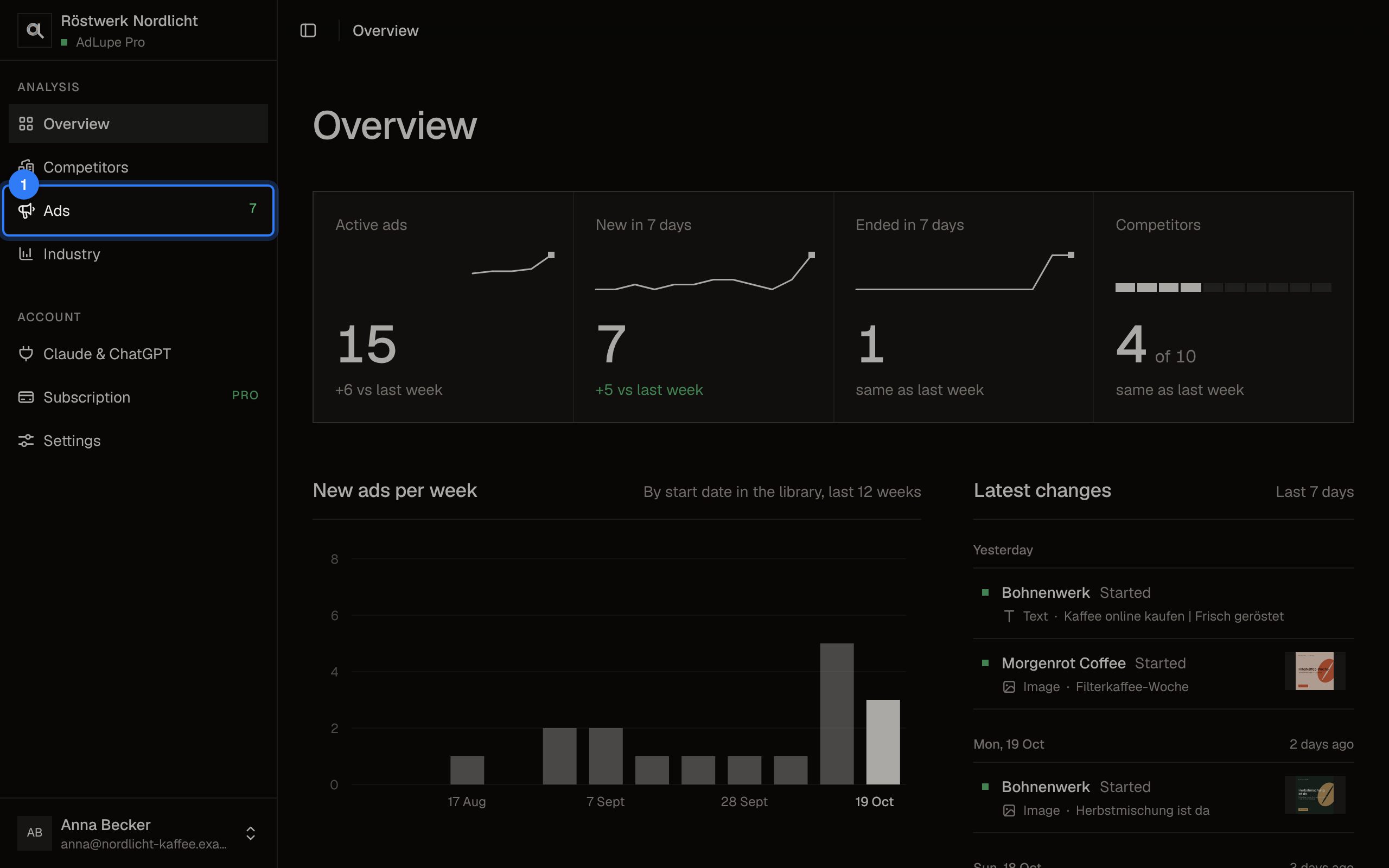
Step 1 of 5: Open Ads
Click Ads on the left. The number next to it counts the new ads of the last seven days.
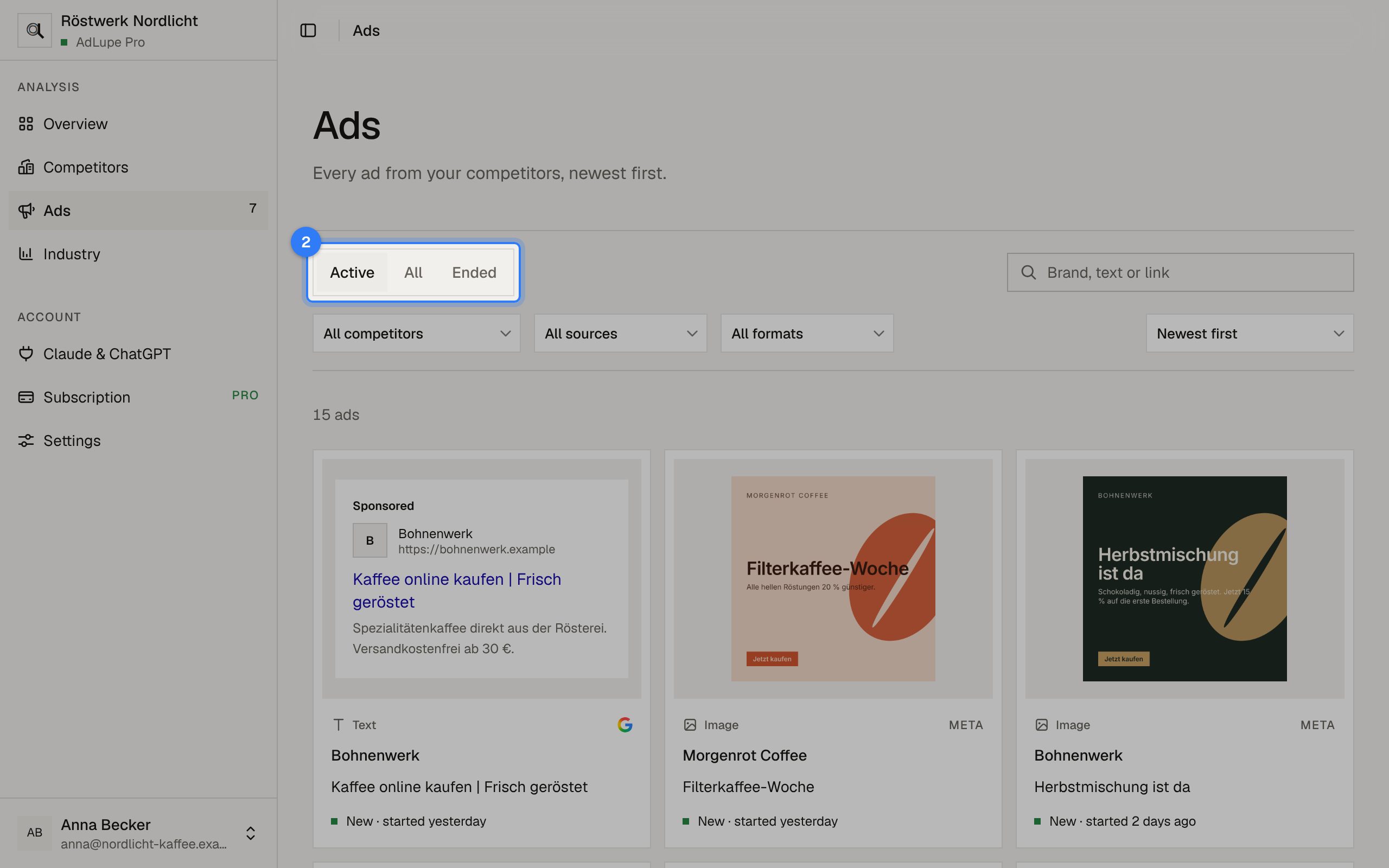
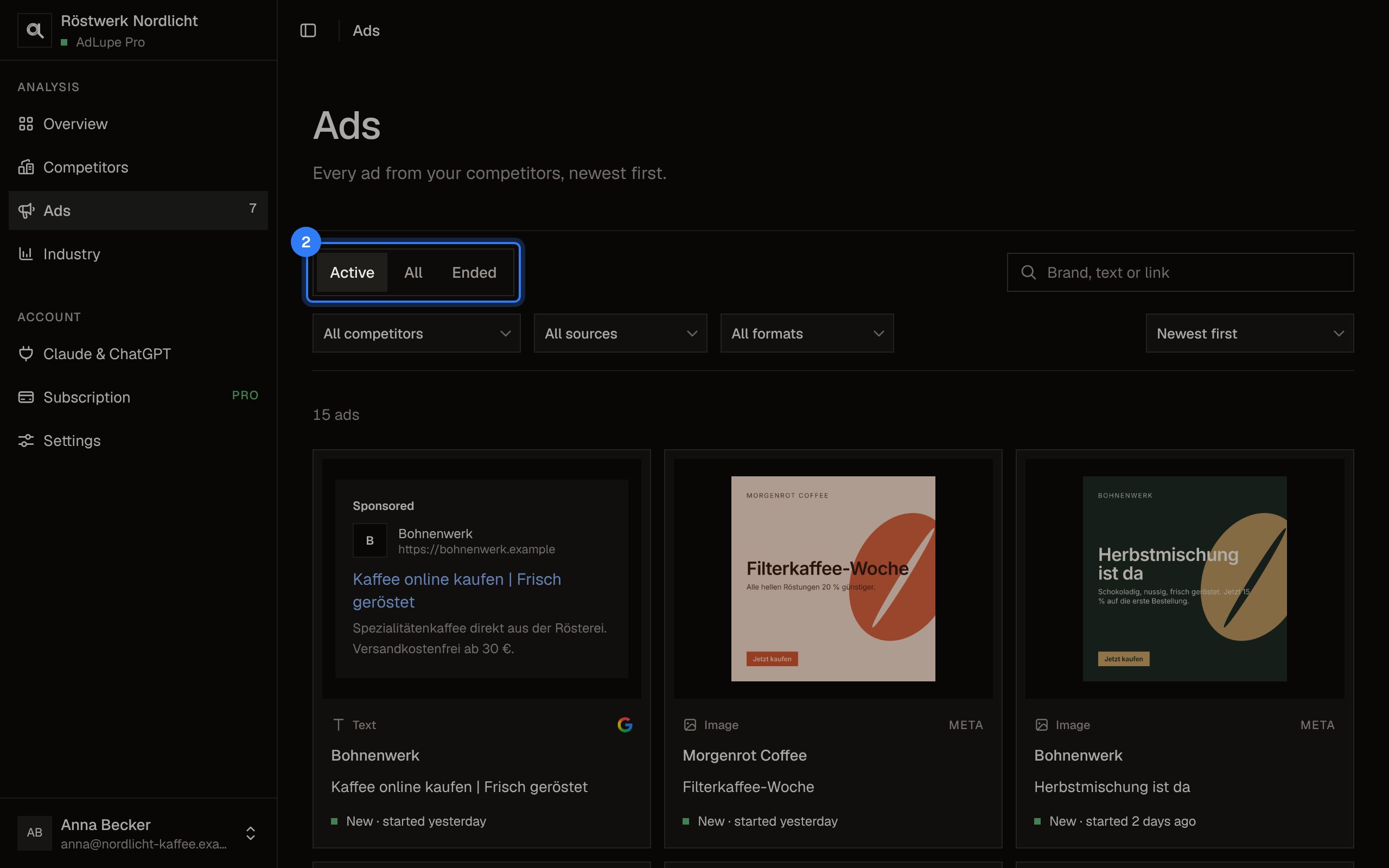
Step 2 of 5: Active, all or ended
Choose at the top whether you see running, all or only ended ads.
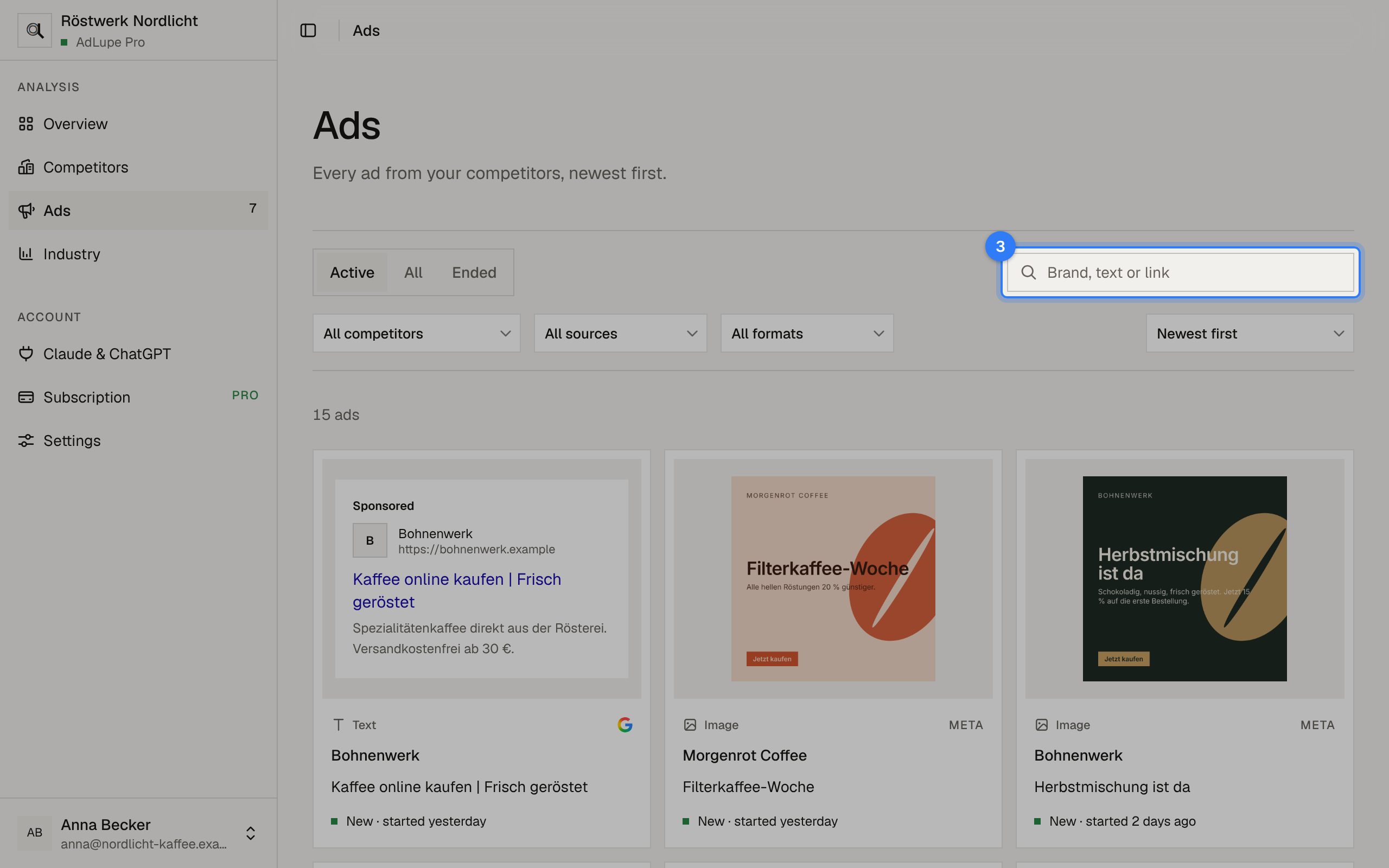
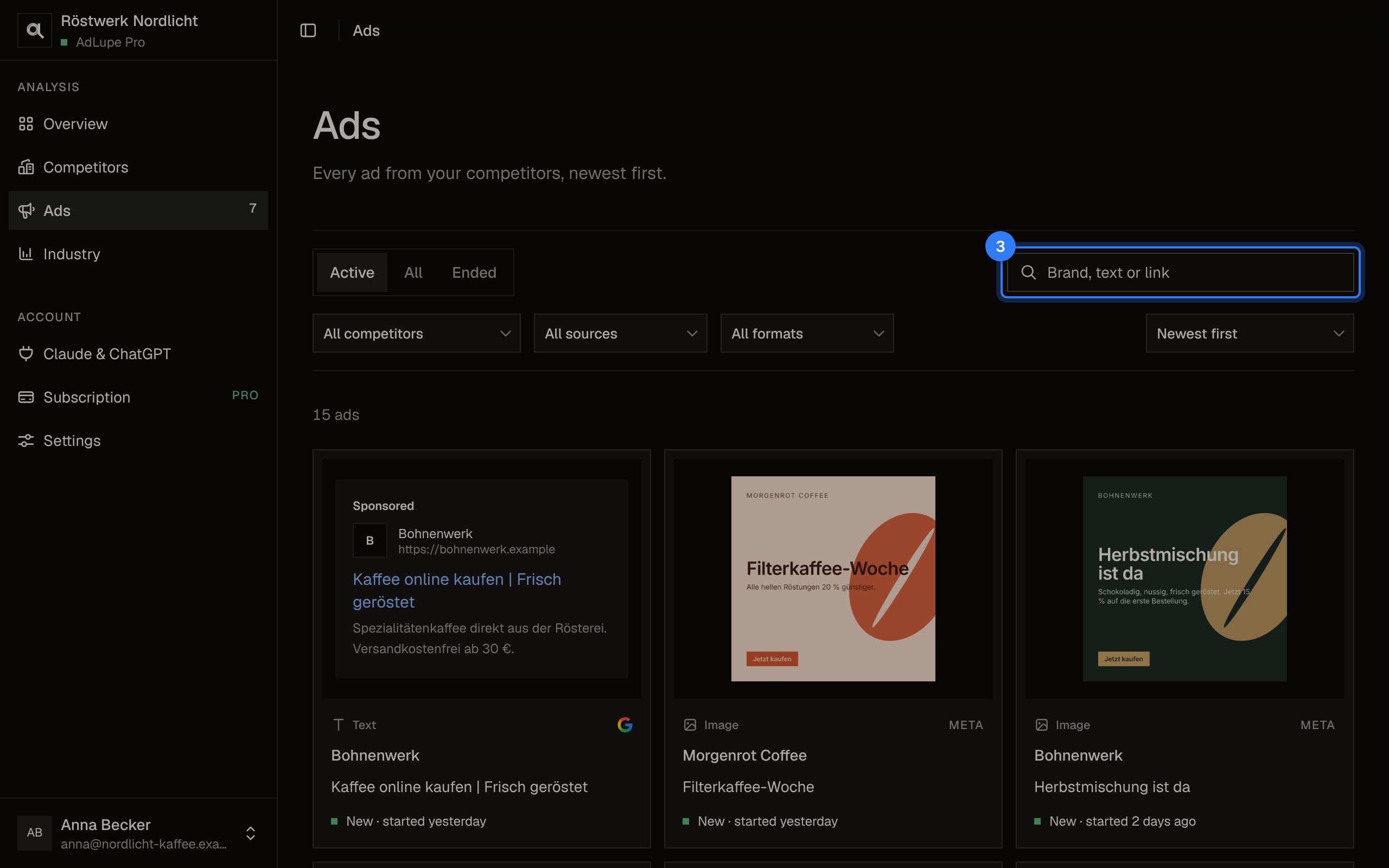
Step 3 of 5: Search
Search for a brand, a word from the ad text or a link.
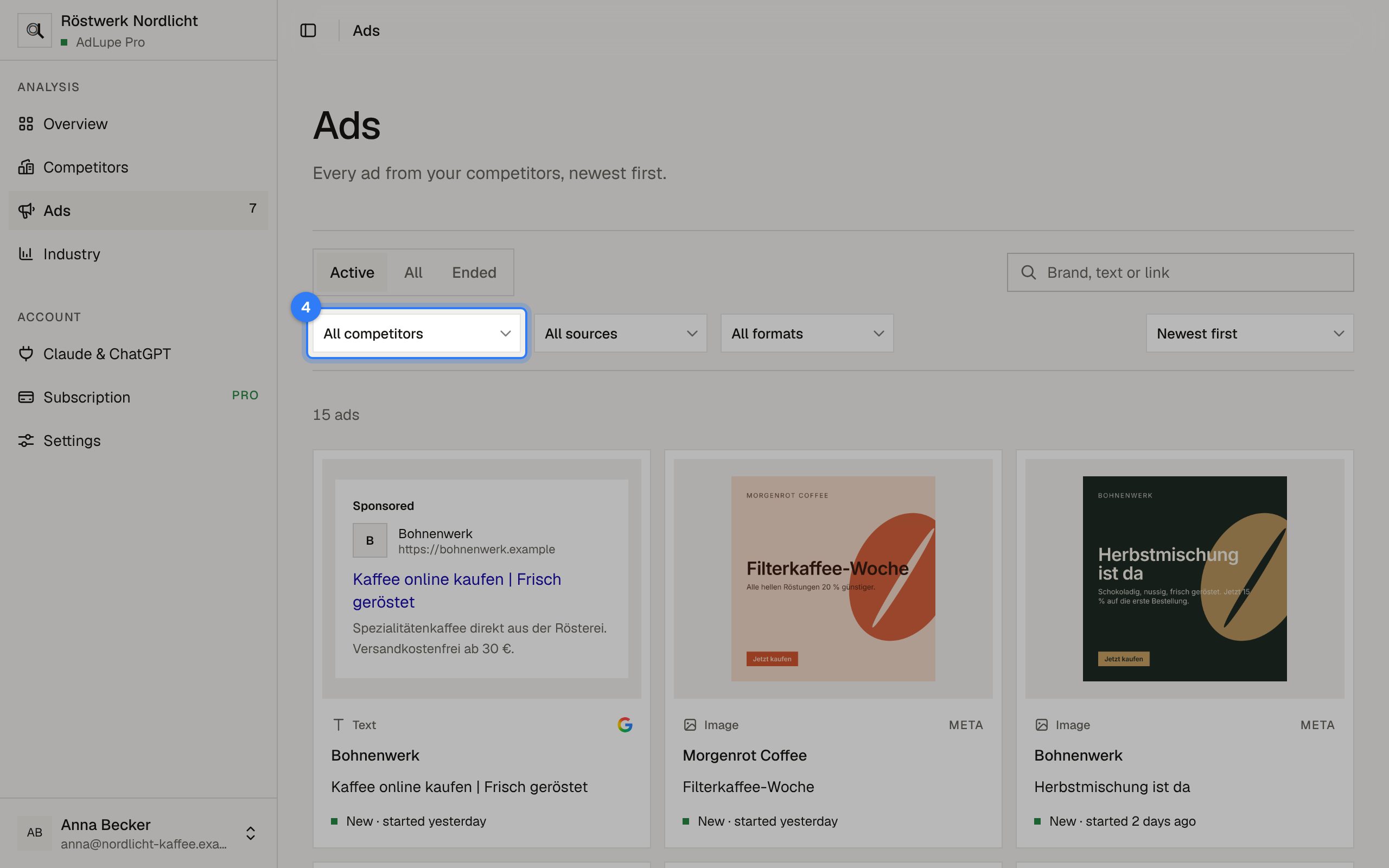
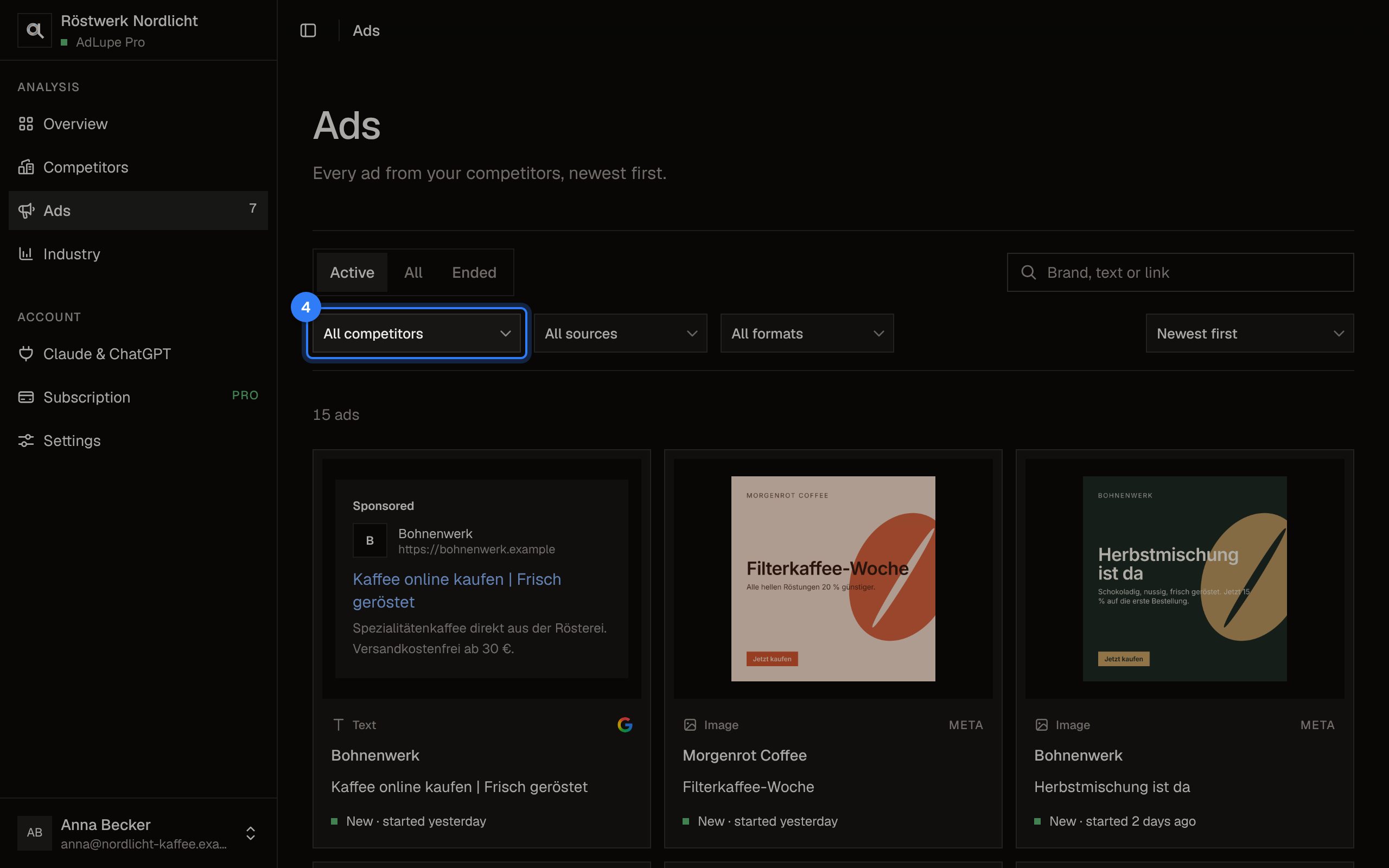
Step 4 of 5: Filter
Narrow down by competitor, source (Google or Meta) and format. On the right you change the order.
Step 5 of 5: Ad details
Click an ad. Its text, run time, countries and the link to the ad in the official ad library open on the right.
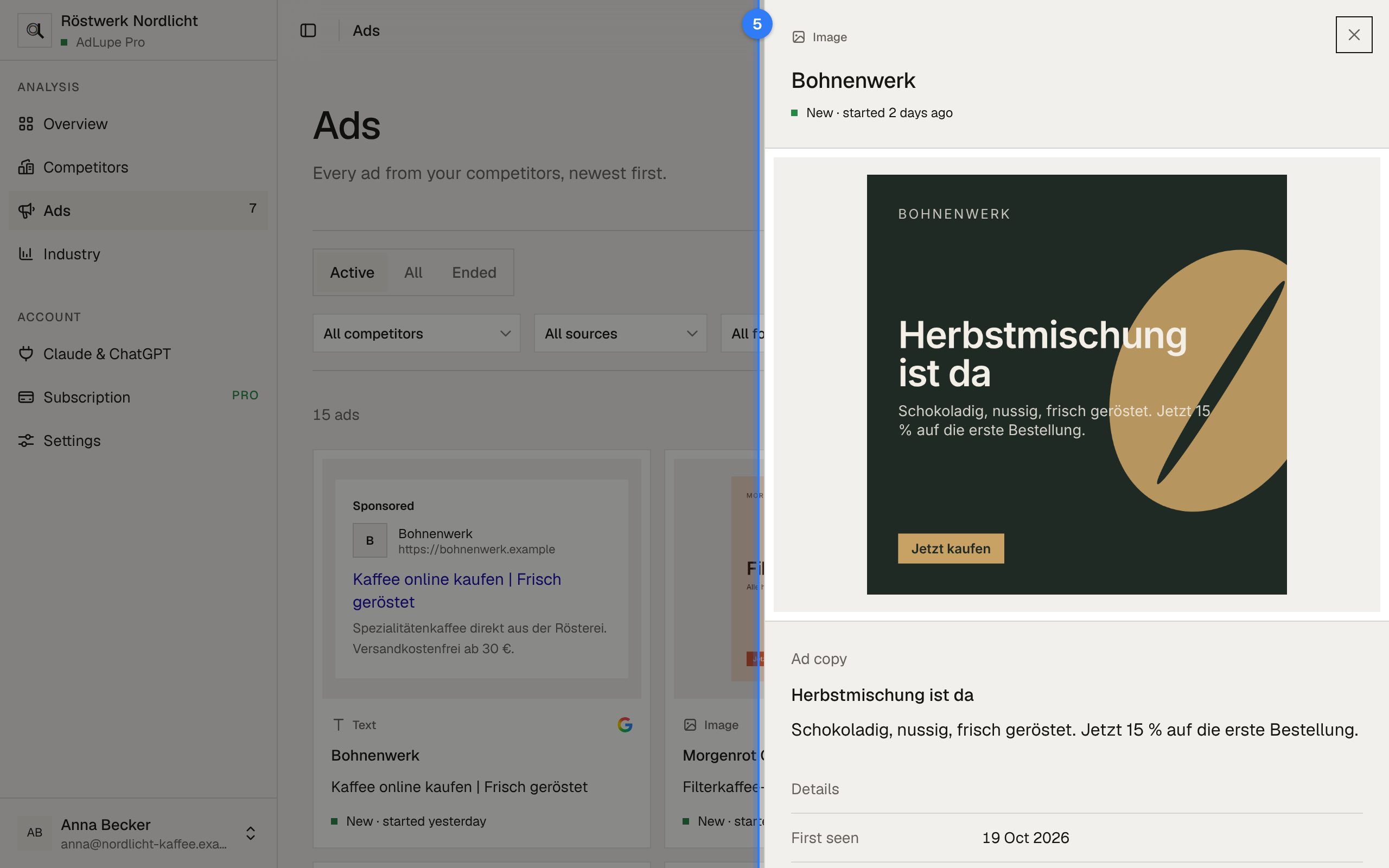
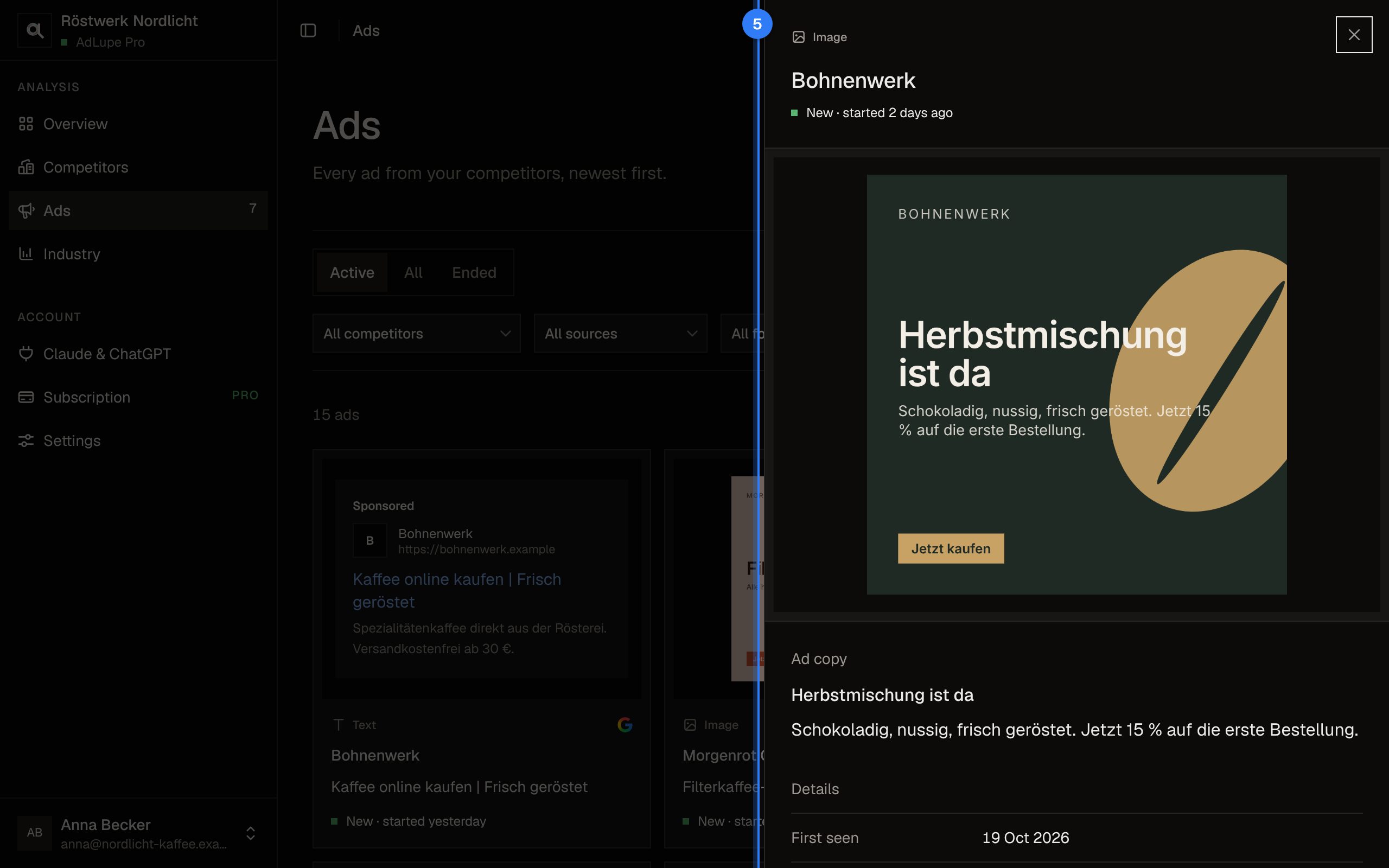
The pictures show a sample company with made-up competitors.
Connect AdLupe to Claude or ChatGPT