Help
Connect AdLupe to Claude or ChatGPT
Ask in the chat which ads your competitors are running.
Step 1 of 6: Open the connect page
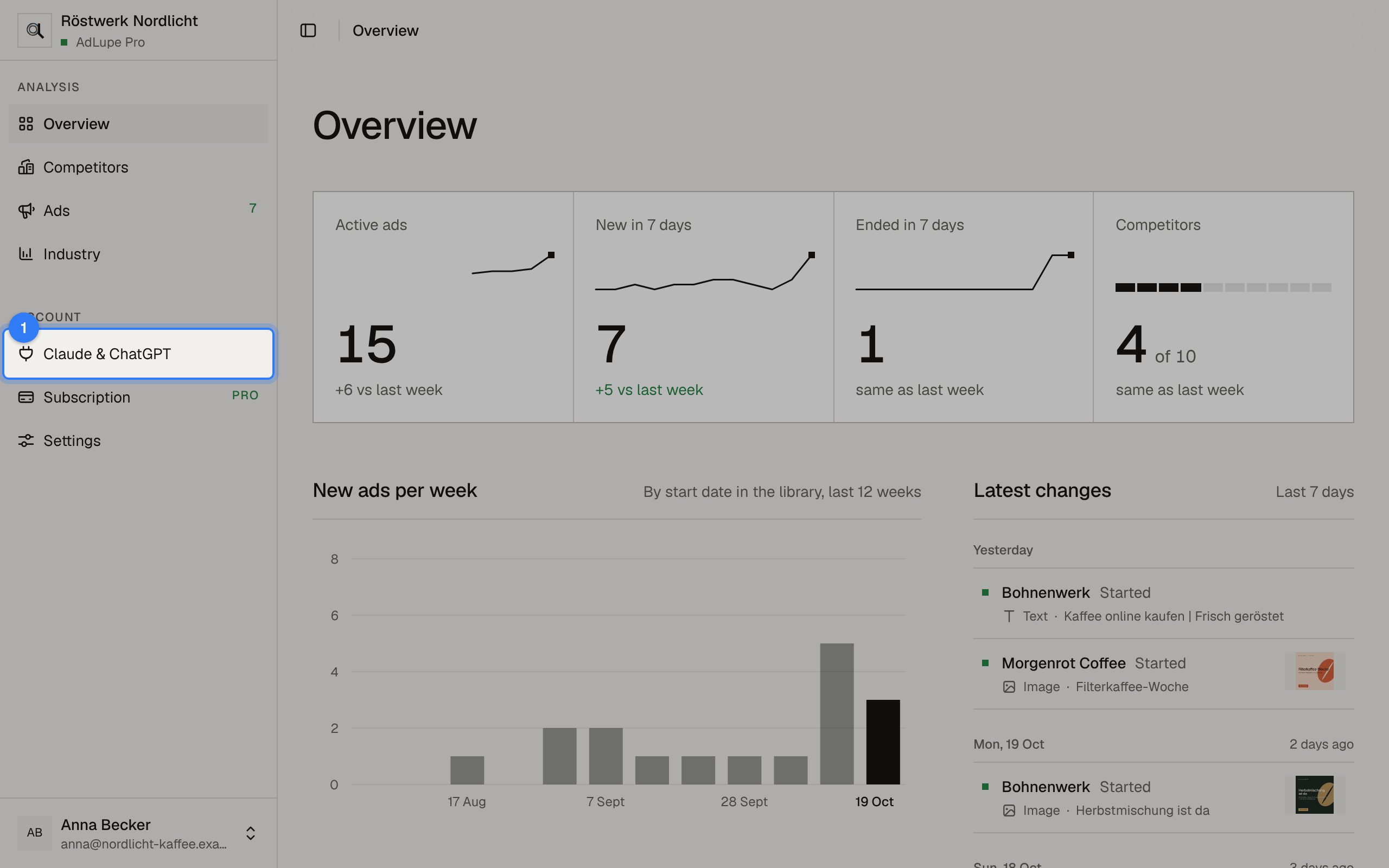
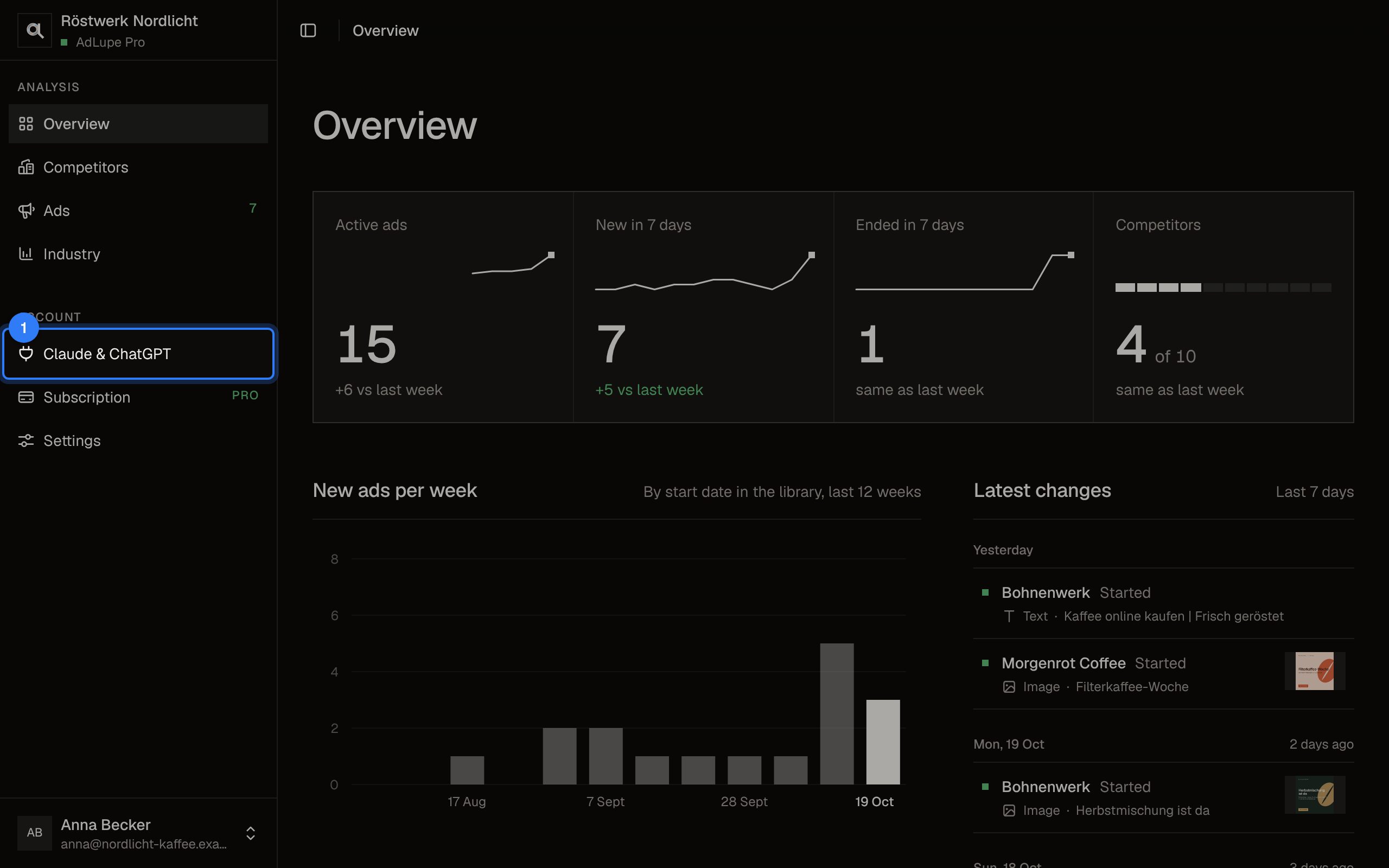
Sign in to AdLupe and click Claude & ChatGPT on the left.
Step 2 of 6: Choose the app
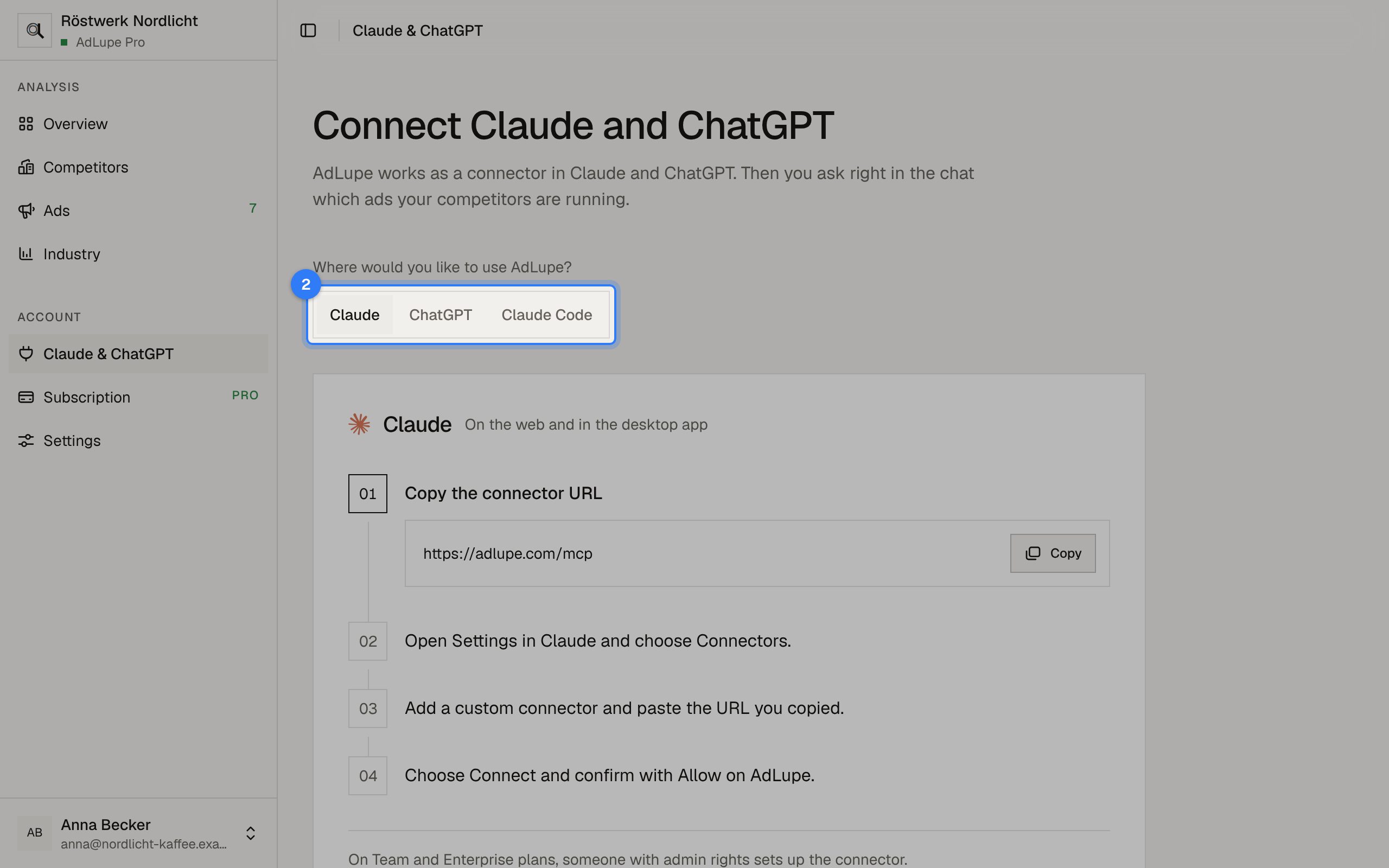
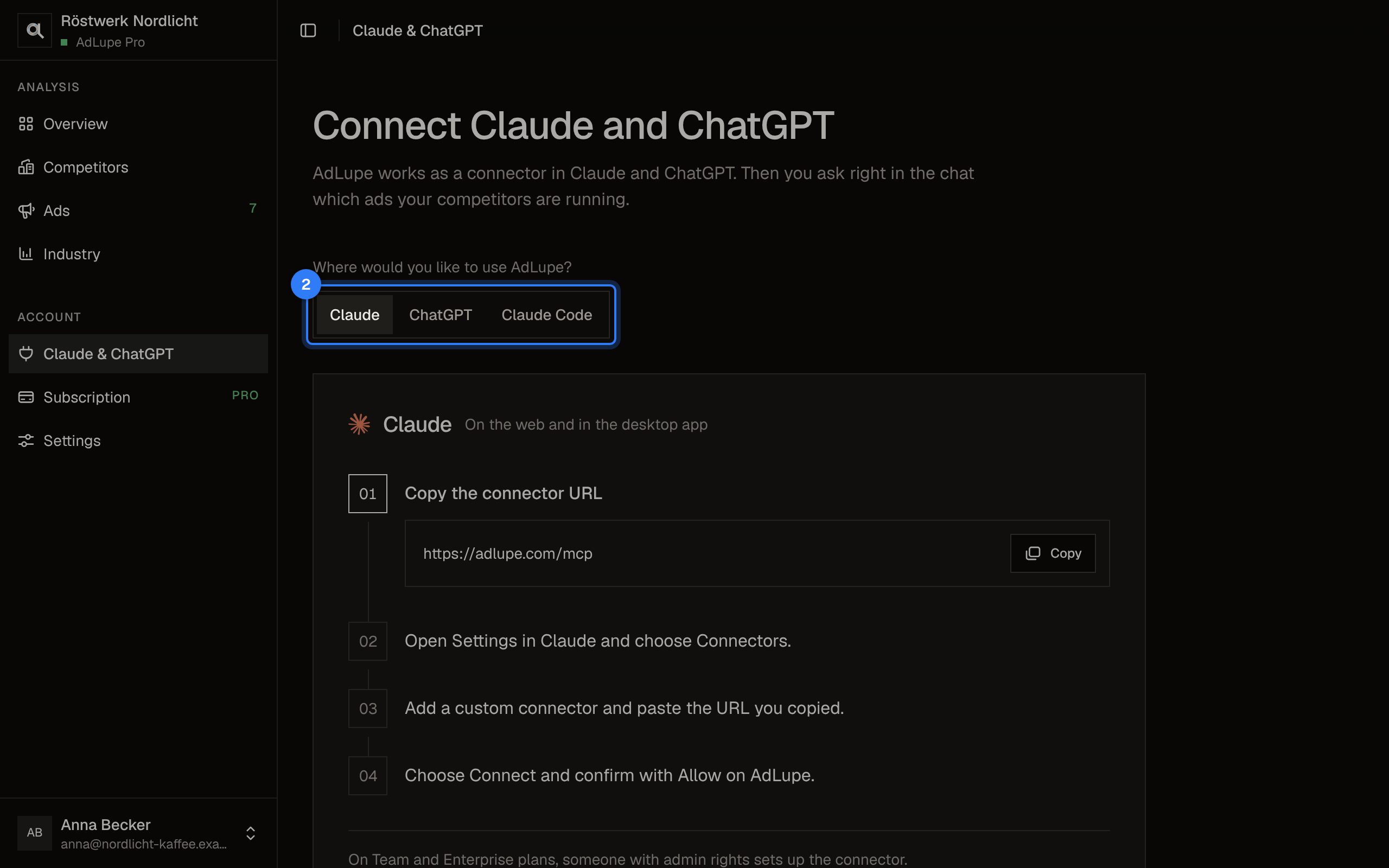
Choose where you want to use AdLupe: Claude, ChatGPT or Claude Code. The steps below adapt.
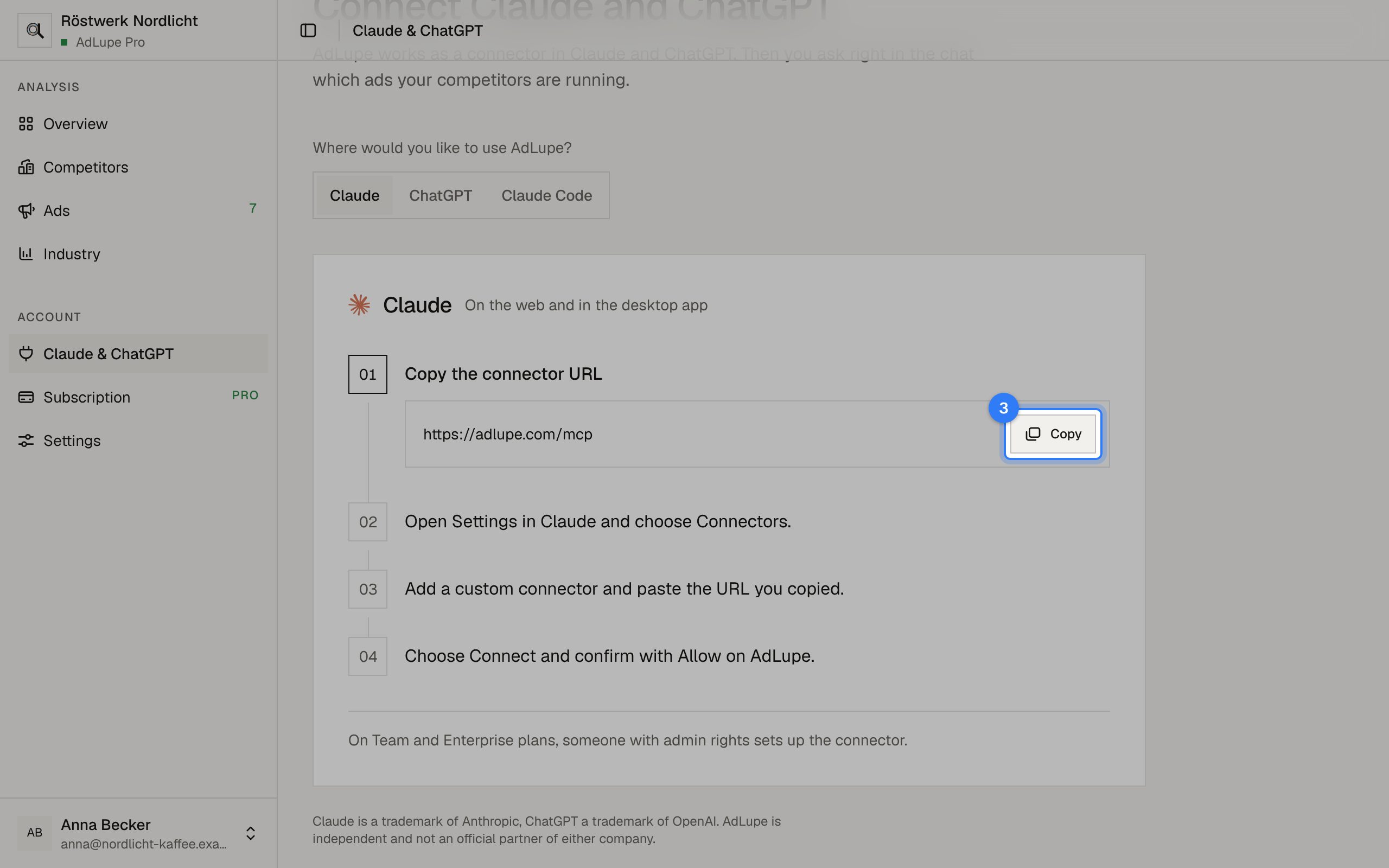
Step 3 of 6: Copy the connector URL
Click Copy. The address is https://adlupe.com/mcp and the same for every customer.
Step 4 of 6: Add it in Claude or ChatGPT
In Claude, open Settings, choose Connectors and add a custom connector with the copied URL. In ChatGPT, add your own MCP server under Plugins with the plus button, with AdLupe as its name, the URL and OAuth as sign-in.
Step 5 of 6: Allow it at AdLupe
Claude or ChatGPT opens an AdLupe window. Sign in if asked and click Allow. The chat then sees only your company's data.
Step 6 of 6: Ask in the chat
Ask for example: “Which ads did my competitors start this week?” In Team and Enterprise accounts someone with admin rights sets up the connector.
The pictures show a sample company with made-up competitors.
Invite your team